Parish Digital Archives: A Step-by-Step Setup Guide
A baptismal register from 1903 sits in a cardboard box in the basement, its spine cracking each time someone lifts it.
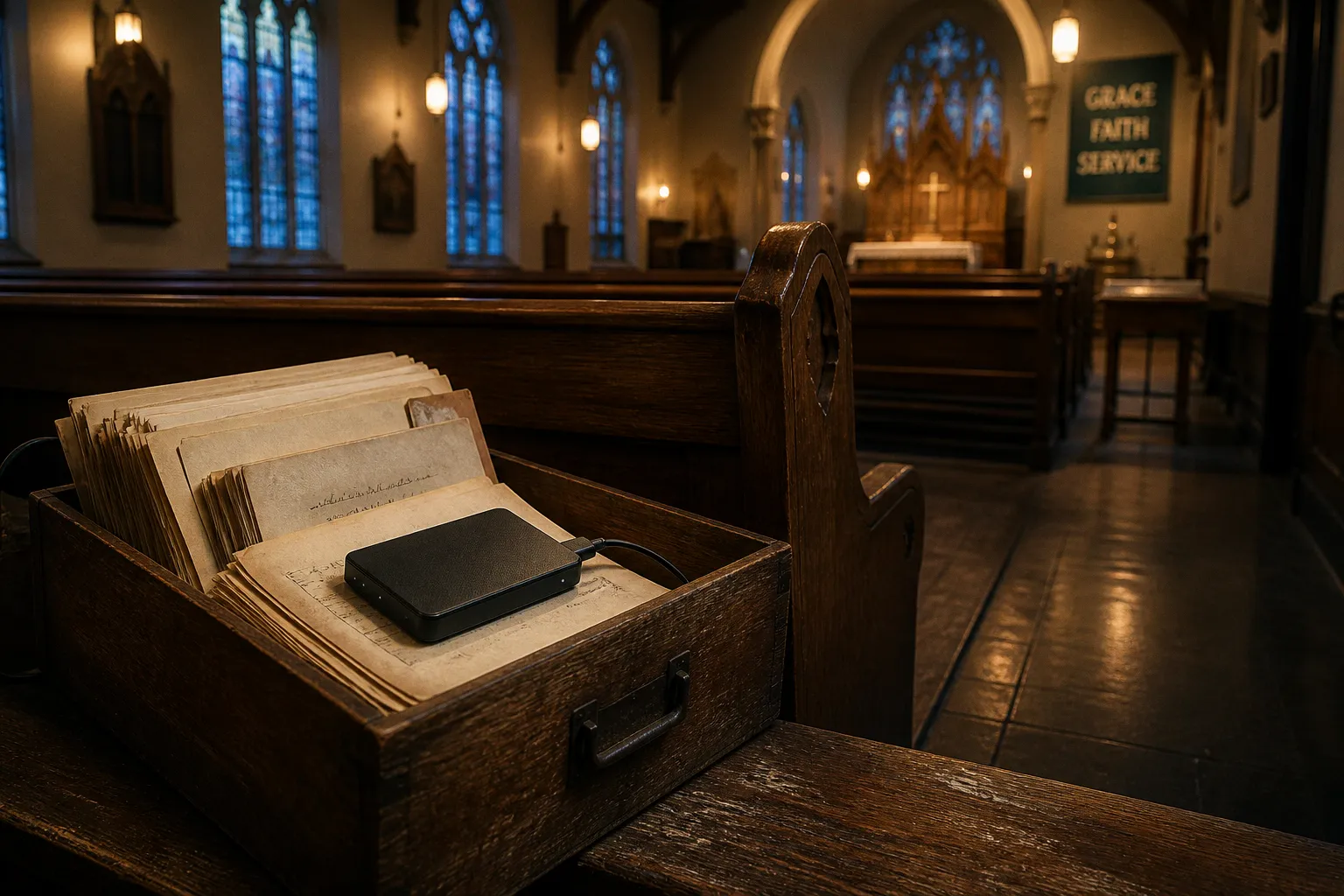
A secretary fields a long-distance call from a daughter asking for her mother's confirmation record from 1947, and spends an afternoon digging through folders that have been moved three times in the last decade. A fireproof file cabinet — the parish's proudest piece of archival equipment — quietly leaks during a heavy rain, and no one notices until the pages begin to curl.
These are the ordinary realities of parish record-keeping. None of them register as emergencies in the moment, but together they describe a slow erosion. The congregation that cannot find its own history will eventually struggle to serve the families, descendants, and curious researchers who depend on it. Building a parish digital archive is, in its essence, an act of stewardship that honors both the ancestors who wrote these records and the people who will need them a century from now.
The technical work of digitization is well within the reach of a parish of any size. Doing it well is less about expensive equipment than about patient, faithful procedure — the kind of procedure that respects the weight of what we hold. This guide walks through that procedure step by step, with attention both to the practical standards (resolutions, formats, retention) and to the pastoral reasons we undertake this work in the first place.
Organizing and Preparing Physical Parish Records for Digitization
Sort before you scan
Before any scanner is plugged in, the work is sorting. Most parishes accumulate records in layers: current administrative files from the last few years, older administrative records that surface occasionally, and historical or archival material with enduring evidential value. The temptation is to digitize everything in one sweep, but that approach almost always produces a digital mess that mirrors the physical one — files named inconsistently, duplicates multiplying, no clear sense of what is current versus historical.
A helpful first step is to separate three categories:
- Active records — used regularly and accessed at least annually (recent membership rolls, current financial ledgers, ongoing pastoral correspondence).
- Semi-active records — occasionally referenced, perhaps for anniversaries, genealogy requests, or legal questions (decades-old wedding records, minutes from past council meetings).
- Archival records — historically significant and rarely accessed (original baptismal registers, founding documents, early-twentieth-century confirmation classes).
Each category has a different rhythm. Active records can be digitized at standard office quality and stored for fast retrieval. Archival records demand higher standards, both in scanning resolution and in the long-term preservation formats we choose for them. Treating them the same way underestimates what they carry.
Handle fragile originals with care
Many parish documents are in poor condition: torn pages, faded ink, brittle paper, foxing, water damage. Before scanning, spend time gently unfolding, flattening, and — when necessary — consulting a paper conservator. We do not mend these documents for our own convenience; we do it so that what we hand to the next generation is not further diminished. Old bound registers in particular may need an overhead book scanner rather than a flatbed, so the spine is not damaged by forcing it open.
Technical Standards for Scanning Registers and Historical Documents
Resolution: how much is enough
The technical heart of archival digitization is resolution. The widely accepted baseline for documents intended to be reproduced at their original printing size is 300 dpi. This captures the detail of standard parish printing — typewritten minutes, mimeographed bulletins, commercially printed forms.
Parish records, however, often contain more than standard printed text. Old baptismal registers may have handwritten flourishes, marginal notes, or signatures that researchers will someday need to read. If there is any possibility that a document will be enlarged for publication, exhibit, or detailed genealogical work, scan at 1200 dpi or higher. The cost difference is mainly in file size and scanning time, not in equipment. The regret of not capturing enough detail, on the other hand, is permanent.
Color, bit depth, and fidelity to the original
For historical documents — particularly anything with color (stained-glass dedication programs, hand-illuminated certificates, color photographs from the 1970s onward) — scan in color rather than grayscale. A 24-bit color scan preserves the visual evidence that future researchers may need to authenticate, date, or interpret a document. For purely textual records with no color information, 8-bit grayscale is sufficient and produces smaller, more manageable files.
Resolution is a theological category in disguise: how much of the truth do we have the patience to preserve?
A few practical notes that often get overlooked:
- Clean the scanner glass between batches. A single dust mote becomes a permanent feature of every scan.
- Scan one document at a time for archival material. Batch feeding is efficient but produces misordered files when pages stick together.
- Name files as you go, following a clear convention such as
YYYY-MM-DD_DocumentType_YearRange. Renaming eight hundred files later is its own pastoral penance.
Selecting Master File Formats and Implementing OCR
Master formats: choosing for longevity
The format chosen for the master file — the one stored for long-term preservation — is the most consequential decision in the whole project. Unlike working files that can be re-exported, master files should be chosen for openness, losslessness, and longevity.
- For text documents (minutes, registers, bulletins), the archival standard is PDF/A, specifically PDF/A-2 or later. These are subsets of PDF designed to be self-contained, free of dependencies on external fonts or proprietary software. A PDF/A file should look identical on any device, in any decade, that can open it.
- For scanned images, the master format choices are uncompressed TIFF or JPEG 2000 (lossless mode). JPEG, the familiar compressed format used in phone photos, is fine for access copies but should not be the master, because every re-save discards information.
- For audio recordings (sermons, oral histories, interviews with longtime members), the preservation master is an uncompressed WAV file at 24-bit depth and 96 kHz sampling rate. This is much larger than an MP3, but it is the source from which everything else can be derived later.
| Material type | Master (preservation) format | Access format | Notes |
|---|---|---|---|
| Text documents (minutes, registers, bulletins) | PDF/A (PDF/A-2 or later) | Standard PDF | Self-contained, no external dependencies |
| Scanned images of records | Uncompressed TIFF or lossless JPEG 2000 | JPEG for web/sharing | Avoid JPEG as master; lossy on re-save |
| Audio recordings | Uncompressed WAV (24-bit / 96 kHz) | MP3 or AAC for streaming | WAV is the master; compressed versions are derived |
| Digital photographs (originals) | TIFF or original RAW, with embedded metadata | JPEG for access | Store metadata in XMP sidecar or embedded fields |
OCR: searchable text from scanned pages
Optical Character Recognition (OCR) transforms a picture of a page into a page that can be searched, copied, and quoted. On clearly printed documents, modern OCR software typically achieves 95% to 99% accuracy. That figure is reassuring for typed council minutes and printed bulletins; it is far less reassuring for handwritten baptismal entries from 1898.
A few ground rules keep OCR honest:
- Run OCR on clearly printed documents without hesitation — the time savings on searchability are enormous, and the marginal cost is small.
- For handwritten or degraded originals, treat OCR as a starting point rather than a final product. Human verification is required. Do not present OCR output as a verbatim transcription of handwritten registers without review; the technology is not yet there, and pretending otherwise misleads anyone who later relies on the text.
- Store the OCR text alongside the image, typically as a hidden text layer within the PDF/A, rather than as a replacement for the image itself. The scan remains the visual record; the OCR layer makes it searchable.
Developing Sustainable Retention Policies and Access Protocols
What to keep, and for how long
One of the most pastoral questions a parish can ask is: what do we hold, and on whose behalf? The answer is rarely "everything forever." Retention policies exist because storage is finite, and because records have different lifespans of relevance.
A reasonable framework for most parishes includes:
- Permanent retention for records of sacramental significance (baptism, confirmation, marriage, funeral), membership registers, founding documents, and historical council minutes.
- Long-term retention (7+ years) for financial records, often dictated by IRS requirements and applicable state nonprofit law.
- Medium-term retention (3–7 years) for routine administrative correspondence and program records.
- Short-term retention (1–3 years) for working drafts, routine announcements, and superseded planning documents.
The point is not to discard prematurely but to be deliberate. A parish that cannot articulate what it keeps and why is unlikely to keep it well.
The question of originals
This is where the pastoral weight of the work shows most clearly. Archival guidance is firm: do not destroy original physical records simply because they have been digitized. There are several reasons, and they matter:
- Digital files depend on software, hardware, and formats that may shift over decades.
- Originals carry physical evidence — ink, paper, seals, signatures, fold marks, marginalia — that scans cannot fully reproduce.
- Many records have legal status (quitclaim deeds, original marriage records) that digital copies do not carry in every jurisdiction.
Keep both. Store the originals in stable, climate-controlled conditions where they can be physically accessed when needed, and let the digital copies serve as the everyday working layer.
Access: who sees what
An archive is only as useful as it is accessible, but not every record should be open to every person. Membership rolls from fifty years ago may be freely shared with descendants; contemporary pastoral counseling notes are not. A written access policy distinguishes:
- Open records — historical registers, published bulletins, public meeting minutes.
- Restricted records — donor information, personnel files, sealed pastoral notes.
- Conditional records — records that are open after a defined period or with appropriate consent.
Put the policy in writing. Review it every few years. Train whoever succeeds you in the office so that the policy outlives any one archivist.
Ensuring Long-Term Data Integrity Through Redundant Storage
The fragility of digital things
We tend to think of digital files as permanent because they do not visibly decay. This is an illusion. A CD pressed in 2004 may or may not still be readable. A flash drive left in a desk drawer may fail silently within five years. File formats fall out of use; cloud services close; software licenses expire. Digital preservation requires active, ongoing stewardship — not a one-time scan-and-forget.
The governing principle is redundancy across both location and medium. Practical implementations include:
- A local copy on the parish office's archival hard drive or a network-attached storage (NAS) device.
- A second copy on a separate physical device stored offsite — a bank safe deposit box, a fireproof safe in another building, or the home of a trusted parish archivist.
- A cloud copy with a reputable provider whose business model is built around long-term storage, not casual consumer photo sharing.
Rotate which copy is verified annually. Check that files still open, that the metadata is intact, and that the formats remain readable. Every five years or so, migrate the archive to current storage media and confirm format compatibility.
A note on removable media
CDs, DVDs, and USB flash drives are not archival media. They are convenient for transfer, but they are subject to technological obsolescence and hardware failure. Use them as one element in a broader system, not as the system itself. A parish archive that lives on a single unlabeled flash drive in a desk drawer is not preserved; it is postponed loss.
The practice of checking
Schedule a recurring review of the digital archive — annually is reasonable for most parishes. The review should ask: Can we still open these files? Do we know what is in them? Is the backup still readable? Is the access policy still appropriate? Is there a written record of what the archive contains and how it is organized?
This is unglamorous work. It is also the difference between an archive and a hope.
The archive is not a building. It is a continuing practice of attention — to one another, to those who came before, and to those who will come after.
A Closing Word
A parish digital archive is, in the end, a small confession of faith. We believe that what happens in this congregation matters enough to be remembered. We believe that the name written in a baptismal register in 1923 is still the name of someone loved by God. We believe that the records of grief and grace in our keeping deserve the same care we would give a manuscript or a hymnal.
The technical standards — 300 dpi, 1200 dpi where enlargement may follow, PDF/A masters, uncompressed WAV for audio, redundant storage across multiple locations — are not bureaucratic obligations. They are the visible shape of an invisible promise: that the memory of this congregation will outlast any one of us, and will be there for whoever needs it next.
Start small. Pick one shelf of records this season. Sort them, scan them at the appropriate resolution, name them carefully, store copies in three places, and write down what you did so the next person can continue. The archive will not be finished in your tenure, and that is fitting — it is meant to outlast you. We hold these records in trust, on behalf of a church that is larger than any single congregation and longer than any single life. The work we do now is a quiet act of resilience, an embodied faith that the sacraments we have witnessed and the stories we have kept will still be readable, still be findable, still matter — long after the scanners we use today have themselves become artifacts.